One of the best ways to ensure the security of your information is keeping your software up to date. Hackers are continuously looking for opportunities to get your data, so trying to outwit hackers requires continual alertness. Keeping systems current helps, because vendors issue patches to fix the latest known bugs.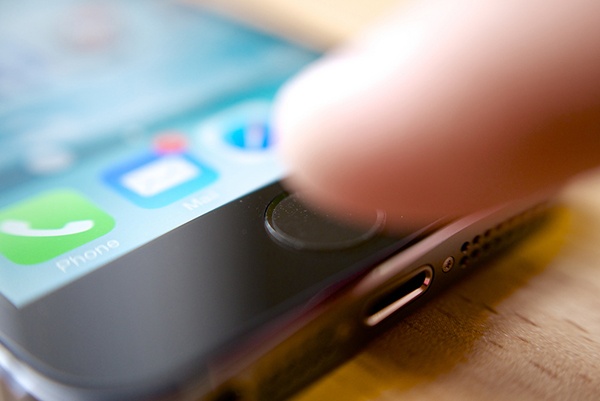
Apple’s new iOS 9 goes beyond patching known vulnerabilities. The new iOS adds features that provide important security enhancements for users who spend hours working online from their iPhones with iCloud and email.
Stronger Passwords
Although some devices are protected by fingerprints, most iOS devices are still unlocked by passcodes. A passcode of four digits yields 10,000 possible combinations. According to Intego, a Mac security firm, brute force attack (one that simply tries each possible combination) can break four-digit passcodes within 17 hours.
With iOS 9, passcodes can now be six digits long. This means there are one million possible combinations instead of 10,000. While brute force attacks are still possible, the time to crack a password is proportionally increased as well.
Protect Cloud Access from Unknown Devices
Another computer-network security improvement in iOS 9 will protect your iCloud account from logins from an unknown device. The “new” enhancement, two-factor authentication, has been around for a while, but we are glad to see it adopted here. Now you can require a second means of proving identity in addition to just relying on your password.
In iOS 9, when someone tries to log into an Apple account from a device that’s not associated with it, a verification code will be sent to a phone or device previously registered to that account. This lets the account owner confirm that the new device should be allowed to access the account.
This function also provides an early warning system if someone is trying to break into your account. In that case, the verified owner who receives the confirmation code can block access from the unknown device.
Configure Devices for Security
All too often, we as humans are the weak link in online security. Users fall for phishing emails, lose their phones and fail to change default settings to enable stronger security. To make sure your iOS devices are as private as possible, make sure you review these settings on every device:
- Set passcodes to six digits.
- Check each application’s privacy settings to make sure you’re not uploading data unnecessarily.
- Set up Find My iPhone to help you recover a lost device.
- Always require a password for app purchases.
- Turn off location tracking for apps that don’t need it.
- Set a shorter expiration date on voice and video messages.
- Strengthen your default Wi-Fi hotspot password.
- Turn on biometric security to require a fingerprint to unlock your device.
- Disable message preview on your lock screen.
- Shorten the auto-lock time.